
Updated September 11, 2026
Table of content
Image-to-video works best when the still image is designed as a strong opening frame. A clean silhouette, controlled depth, and space for movement give the model fewer opportunities to distort the product.
Design the source frame for motion
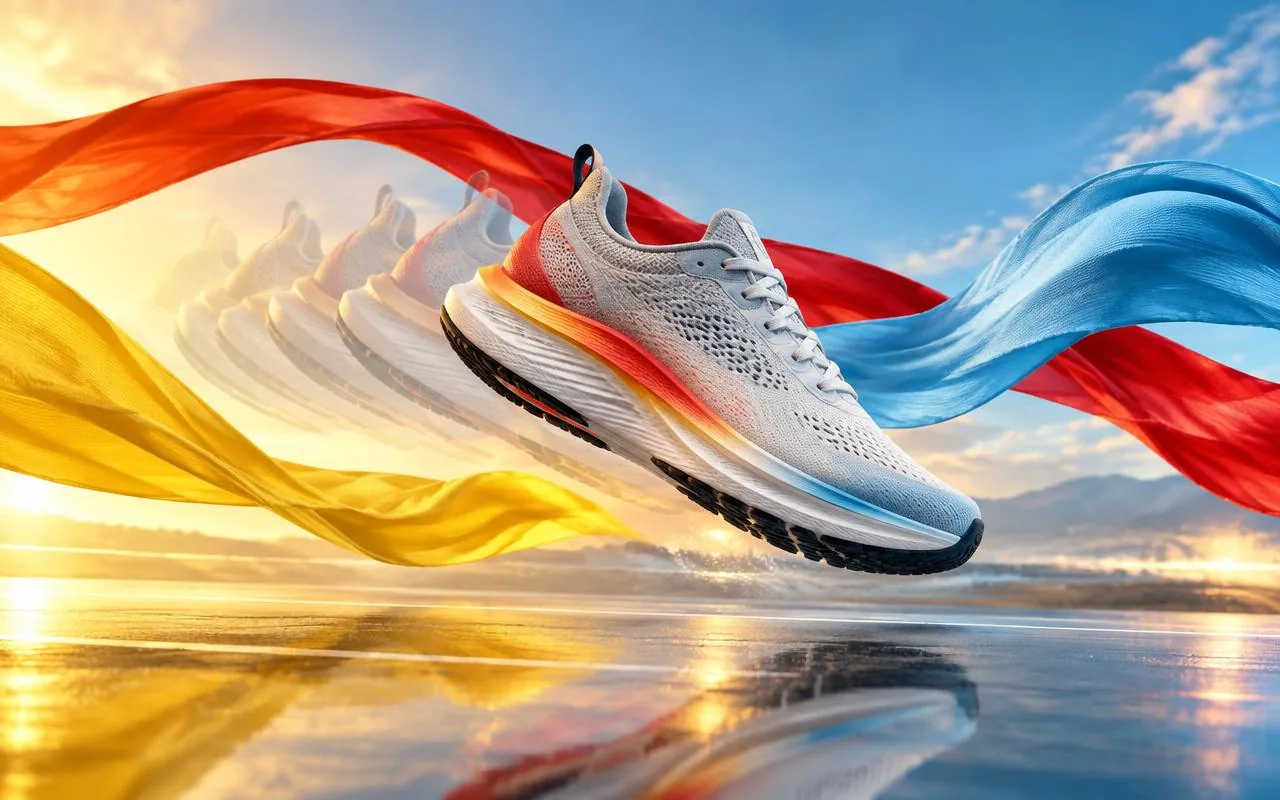
- Use a high-resolution product reference with accurate materials and proportions.
- Keep packaging text small in frame or reserve it for a stable closing card.
- Describe one camera move and one environmental action per shot.
- Avoid asking the product itself to transform unless transformation is the concept.
Separate spectacle from information
Motion can create attention through light, fabric, liquid, particles, or camera movement. Product facts and offers are easier to control in a designed end frame. This split keeps the cinematic section expressive without asking a video model to render critical wording repeatedly.
Review before resizing
Approve product fidelity and motion at the master ratio first. Then make portrait, square, and landscape edits that reframe intentionally. Automatic cropping can remove the product or the action that makes the shot understandable.
Turn the insight into campaign creative
Use Mofano to move from one brief to on-brand images, video ads, copy, and market-ready variations while keeping review in the loop.